Pomodoro Timer: robotics project brief
Define the countdown interval and end signal. Test a short interval first and check whether pausing or restarting behaves as intended.
By CYOBot · Updated
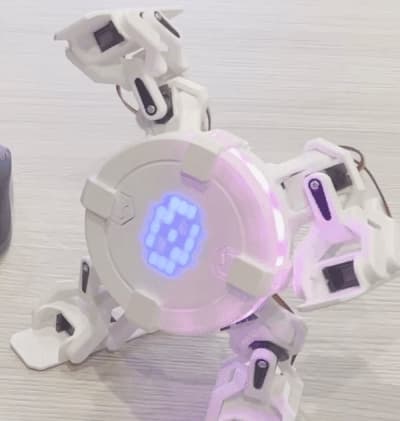
Before you start
A compatible model and the required display, inputs, sensors or actuators. Consult the model repository and instructor before adding parts.
This project brief accompanies an existing CYOBot demonstration. It explains how to plan an experiment; it is not a complete firmware tutorial or proof of a physically validated build for every model.
Use the documented example for your exact hardware as the baseline. Keep logic tests separate from physical tests, and record which results were simulated and which were observed on your robot. Private workspace lessons may provide additional instructions.
Try a small experiment
- Check the model and component compatibility in the official documentation.
- Define the countdown interval and end signal. Test a short interval first and check whether pausing or restarting behaves as intended.
- Keep a working baseline and change one requirement at a time.
- Record the code version, input, expected result, actual result and unresolved faults.
What to record
Document a small pomodoro timer experiment with a clear requirement, observations and limitations.