guides · By CYOBot · Published · Updated
Block or Python for your first robot project?
Choose a coding representation that fits your experience and a supported CYOBot model, then compare the same small experiment.
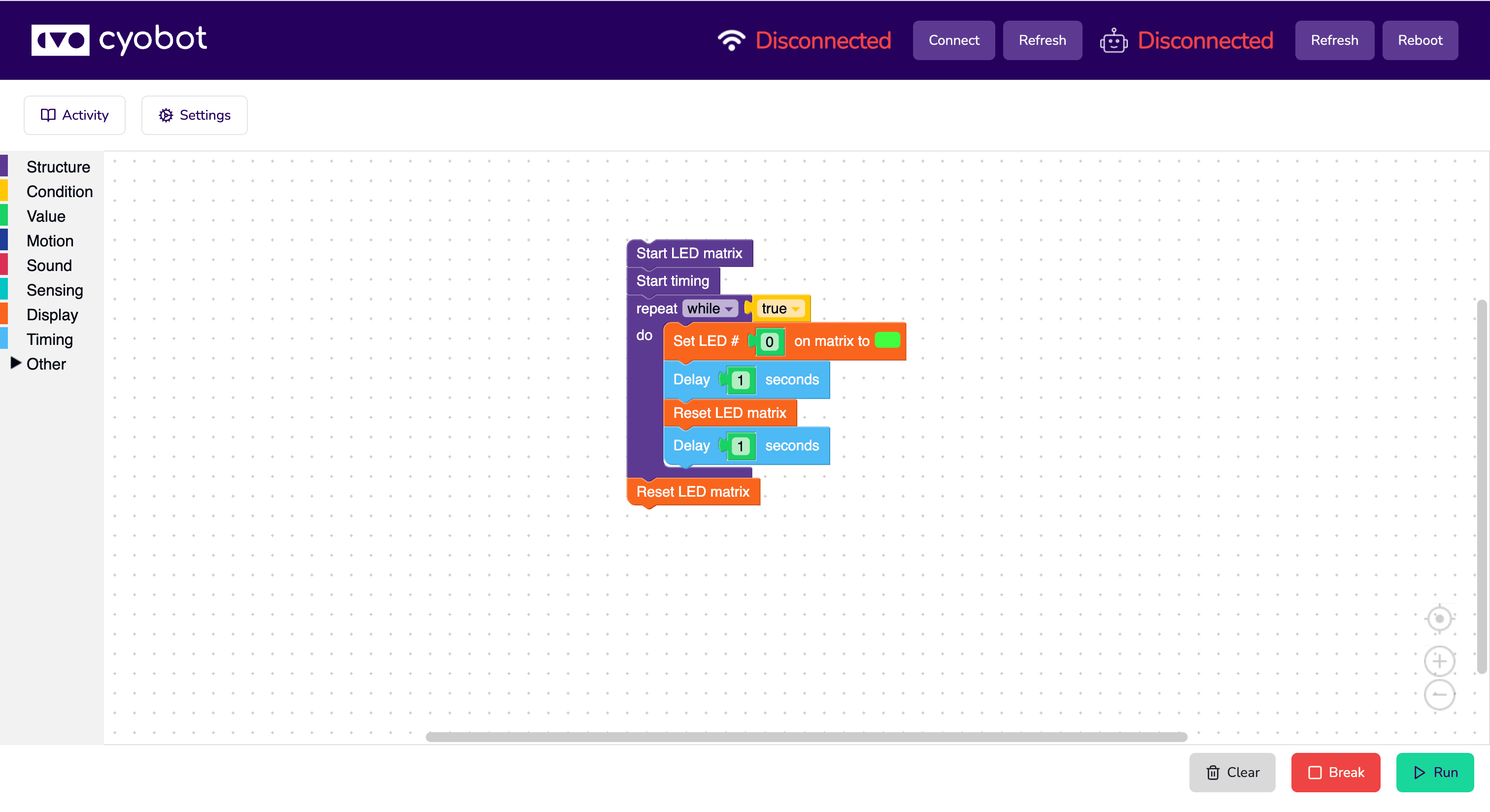
Choose a first project with an observable output: a display pattern, a short countdown or a message. Then choose a coding tool. Block lets you arrange operations visually. Python lets you read and edit text. Both require you to understand sequence, repetition and decisions; changing tools does not remove the need to test a prediction.
If syntax is getting in the way of expressing an idea, begin with Block. Make a small sequence, run it and compare the result with the order of your blocks. If you are comfortable typing code and want to inspect functions and values, begin with Python. Start from a supported model example rather than translating an unrelated desktop tutorial into robot commands.
CYOBot's setup index provides Python and Block guides for the v2 Crawler and Wheeler, plus the Console guide. Select the exact model first. Connection steps, available inputs and firmware APIs can differ. A screenshot of a coding environment is not a compatibility matrix, and older CYOCrawler specifications should not be applied to v2.
Try the same learning question in either representation: what happens when the display timing changes? Save a baseline, predict the changed result, edit one value and observe. Record the working tool, model revision and outcome. Automatic conversion between Block and Python is not promised; use each tool's documented examples.
Downloads are availability-checked when you choose an asset. If a file is unavailable, keep the model guide open and contact CYOBot with your model, tool and computer environment. Do not substitute a package meant for different hardware. As you gain confidence, a text-based logic exercise can help separate the decision from the robot-specific output.
Try it step by step
- Identify the robot model and follow its supported connection guide.
- Choose visual or text coding for one small output.
- Save the original example and change one value.
- Compare predicted and observed results before adding another feature.